
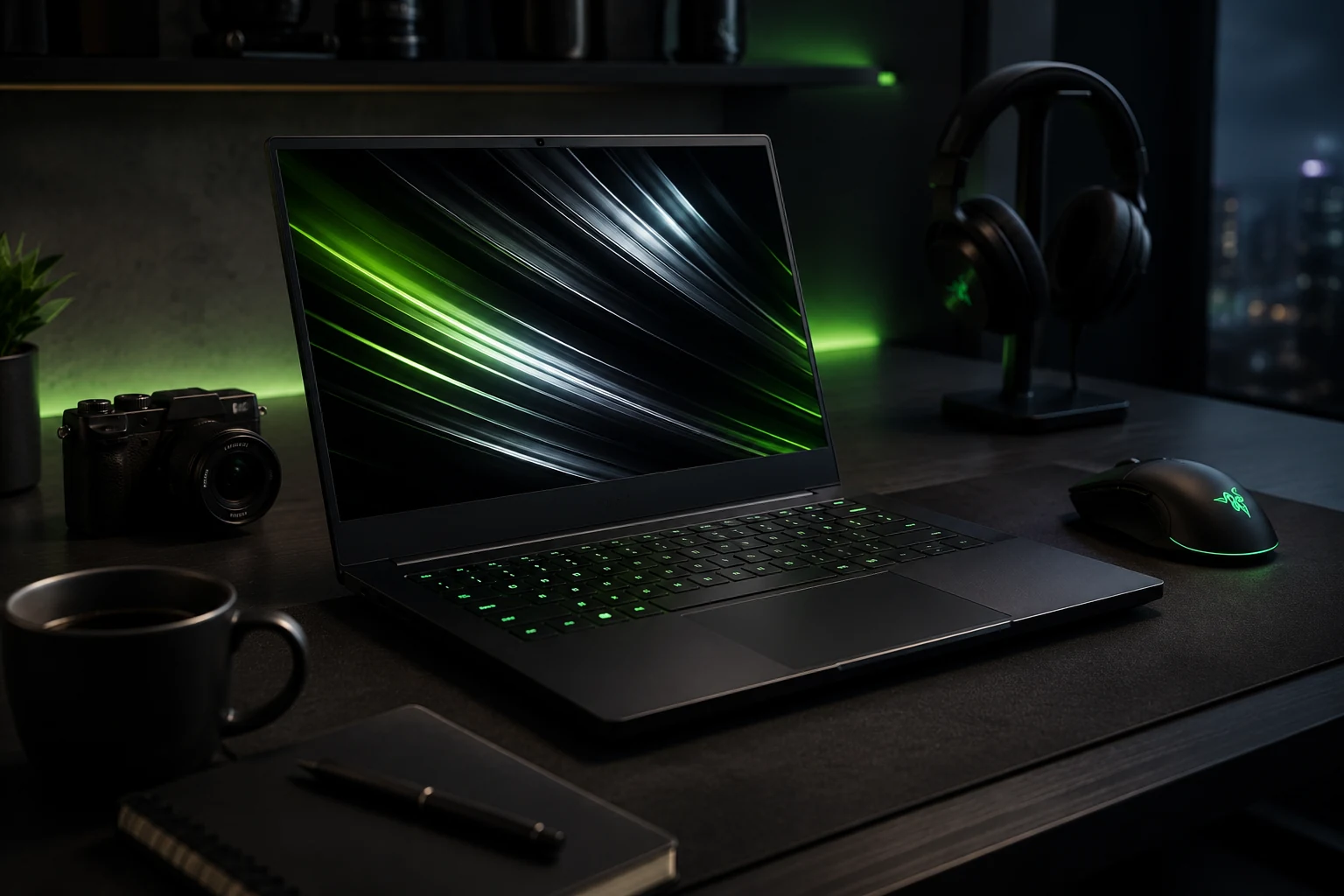
Buying a gaming laptop today is no longer just about choosing the fastest processor or the most powerful graphics card. Modern users expect a laptop to handle gaming, professional work, creative projects, and everyday productivity without compromise. This is exactly where the Razer Blade 14 has built its reputation. It combines premium craftsmanship with high-end hardware in a compact design that appeals to people who want performance without carrying a bulky machine.
- What Makes the Razer Blade 14 Different?
- Gamers Who Want High Performance Without a Huge Laptop
- Professionals Who Need a Powerful Everyday Laptop
- Content Creators Looking for Speed
- Students Studying Technical Subjects
- Frequent Travelers
- Software Developers and Programmers
- People Who Appreciate Premium Design
- Buyers Planning to Keep Their Laptop for Years
- Who May Want to Consider Other Options?
- Questions to Ask Before Buying
- How to Choose the Right Configuration
- Final Verdict
However, the Razer Blade 14 is also one of the more expensive options in the 14-inch gaming laptop category. That means it isn’t automatically the right choice for everyone. Some buyers will appreciate everything it offers, while others may find better value elsewhere.
If you’re wondering whether the Razer Blade 14 is the right laptop for you, this buying guide will help you decide by looking at the types of users who will benefit the most from owning it.
What Makes the Razer Blade 14 Different?
The Razer Blade 14 isn’t designed to be the cheapest gaming laptop. Instead, it focuses on delivering a premium experience from every angle.
Its aluminum chassis feels more like a high-end ultrabook than a traditional gaming laptop. The compact size makes it easy to carry, while powerful AMD Ryzen processors and NVIDIA GeForce RTX graphics provide enough performance for demanding games and professional applications.
Unlike many gaming laptops that look oversized and flashy, the Blade 14 has a clean, understated appearance that fits equally well in an office, classroom, or gaming setup.
This balance of portability, performance, and design is what makes it unique.
Gamers Who Want High Performance Without a Huge Laptop
The most obvious audience for the Blade 14 is gamers.
If you enjoy modern AAA titles, competitive multiplayer games, racing simulators, RPGs, or open-world adventures, the Blade 14 has enough power to deliver an excellent gaming experience.
Its dedicated graphics card allows games to run smoothly with impressive visual quality, while the high-refresh-rate display creates a fluid and responsive experience.
The biggest advantage is that all of this performance comes in a relatively compact 14-inch chassis.
Many gaming laptops offer similar hardware, but they are often much larger and heavier. If portability matters as much as gaming performance, the Blade 14 becomes an attractive choice.
Professionals Who Need a Powerful Everyday Laptop
Not everyone buying the Blade 14 spends hours gaming every day.
Many professionals choose it because it functions as both a business laptop and a gaming machine.
Architects, engineers, financial analysts, consultants, software developers, and IT professionals often run demanding applications that require powerful processors and dedicated graphics.
The Blade 14 handles these workloads comfortably while maintaining a professional appearance that doesn’t stand out during meetings or presentations.
Instead of carrying separate work and gaming devices, users can rely on one machine for everything.
Content Creators Looking for Speed
Video editing, photography, animation, graphic design, and music production require serious computing power.
The Razer Blade 14 delivers exactly that.
Video editors can work with high-resolution footage more efficiently.
Photographers benefit from faster RAW image processing.
Graphic designers enjoy smooth performance while working on complex projects.
3D artists can render scenes more quickly thanks to dedicated graphics hardware.
Content creators who travel frequently will especially appreciate having workstation-level performance inside a lightweight laptop.
Students Studying Technical Subjects
Students enrolled in engineering, computer science, architecture, game development, artificial intelligence, or multimedia design often need laptops capable of running demanding software.
The Blade 14 easily handles programming environments, virtual machines, CAD software, rendering applications, simulation tools, and data analysis workloads.
Its relatively lightweight design also makes it practical for carrying between lectures, libraries, and study sessions.
Although it represents a significant investment, it may eliminate the need to upgrade again during several years of university.
Frequent Travelers
Travelers often struggle to balance portability with performance.
Large gaming laptops consume valuable backpack space, add extra weight, and become inconvenient during flights.
The Blade 14 solves many of these problems.
Its compact dimensions make it comfortable to carry throughout the day, while the premium build quality gives confidence during frequent travel.
Whether you’re flying for business, working remotely from different locations, or simply moving between home and the office, portability becomes one of its strongest advantages.
Software Developers and Programmers
Programming can become resource-intensive when working with large codebases, multiple development environments, containers, or virtual machines.
The Blade 14 offers enough CPU power and memory capacity to support these workloads without slowing down.
Developers working in AI, machine learning, cloud computing, mobile development, or full-stack programming can comfortably run IDEs, databases, Docker containers, testing environments, and local servers simultaneously.
After work, the same laptop becomes a high-end gaming system.
This versatility makes it especially appealing for developers.
People Who Appreciate Premium Design
Some buyers care about more than specifications.
They want their laptop to feel premium every time they use it.
The Blade 14 delivers one of the highest-quality designs in the Windows laptop market.
The aluminum construction feels durable and luxurious.
The minimalist appearance remains timeless.
The keyboard offers comfortable typing.
The large precision touchpad is among the best available on a Windows laptop.
If these everyday details matter to you, the Blade 14 offers an ownership experience that many competing gaming laptops struggle to match.
Buyers Planning to Keep Their Laptop for Years
Some people replace laptops every two years.
Others prefer making one purchase that lasts much longer.
The Blade 14 fits the second group particularly well.
Its powerful internal hardware remains capable of handling new software, modern games, creative applications, and productivity workloads for years.
Choosing a higher-end configuration provides even greater longevity.
Although the initial purchase price is higher, long-term owners often find the investment worthwhile because the laptop continues to perform well throughout its lifespan.
Who May Want to Consider Other Options?
Despite its many strengths, the Blade 14 isn’t the perfect laptop for everyone.
Budget-conscious buyers may discover gaming laptops with similar processors and graphics cards at considerably lower prices.
If your primary goal is achieving the highest possible gaming performance for the least amount of money, value-focused alternatives may make more sense.
Users who prefer larger displays for video editing, multitasking, or immersive gaming may also find 16-inch or 18-inch laptops better suited to their needs.
Similarly, desktop replacement users who rarely travel may benefit more from larger systems with stronger cooling and additional upgrade flexibility.
Questions to Ask Before Buying
Before purchasing the Razer Blade 14, consider how you plan to use your laptop.
Will you travel frequently with it?
Do you want one laptop for both work and gaming?
Is premium build quality important to you?
Will you use demanding creative or professional software?
Do you value portability over having the largest possible screen?
If you answered yes to most of these questions, the Blade 14 is likely to be an excellent fit.
If your priorities revolve mainly around maximizing gaming performance while spending as little as possible, exploring more affordable gaming laptops could be a smarter financial decision.
How to Choose the Right Configuration
The Razer Blade 14 is available in different hardware configurations, so selecting the right one is important.
Casual gamers and everyday users can choose entry-level models if they mainly play popular online games and perform standard productivity tasks.
For AAA gaming, video editing, 3D rendering, or AI workloads, a configuration with a more powerful RTX GPU and additional memory will provide a smoother experience and better long-term performance.
Storage capacity is another factor to consider. If you expect to install many large games or work with high-resolution media files, opting for a larger SSD can save you from needing an upgrade later.
Matching the configuration to your workload ensures you get the best value from your investment.
Final Verdict
The Razer Blade 14 is best suited for users who want far more than a typical gaming laptop. It combines premium design, exceptional portability, and high-performance hardware into a compact machine that performs equally well during work and play. Gamers, content creators, software developers, engineering students, business professionals, and frequent travelers are among the users most likely to appreciate what it offers.
Its higher price means it isn’t the ideal choice for shoppers focused solely on value or maximum gaming performance per dollar. However, for those who prioritize build quality, versatility, portability, and an outstanding overall user experience, the Razer Blade 14 remains one of the strongest premium 14-inch laptops available. If you want a laptop that can confidently handle demanding tasks today while staying capable for years to come, the Razer Blade 14 is a purchase you are unlikely to regret.
